Guide
Compatibility guide
Find your sensor, see what fits it. Every WRISTLY product is made for a specific format.
Chart
Which band for which sensor?
Find your sensor in the left column.
Not sure about your model? Write to us before ordering and we'll confirm compatibility.
Shortcuts
Go straight to your products
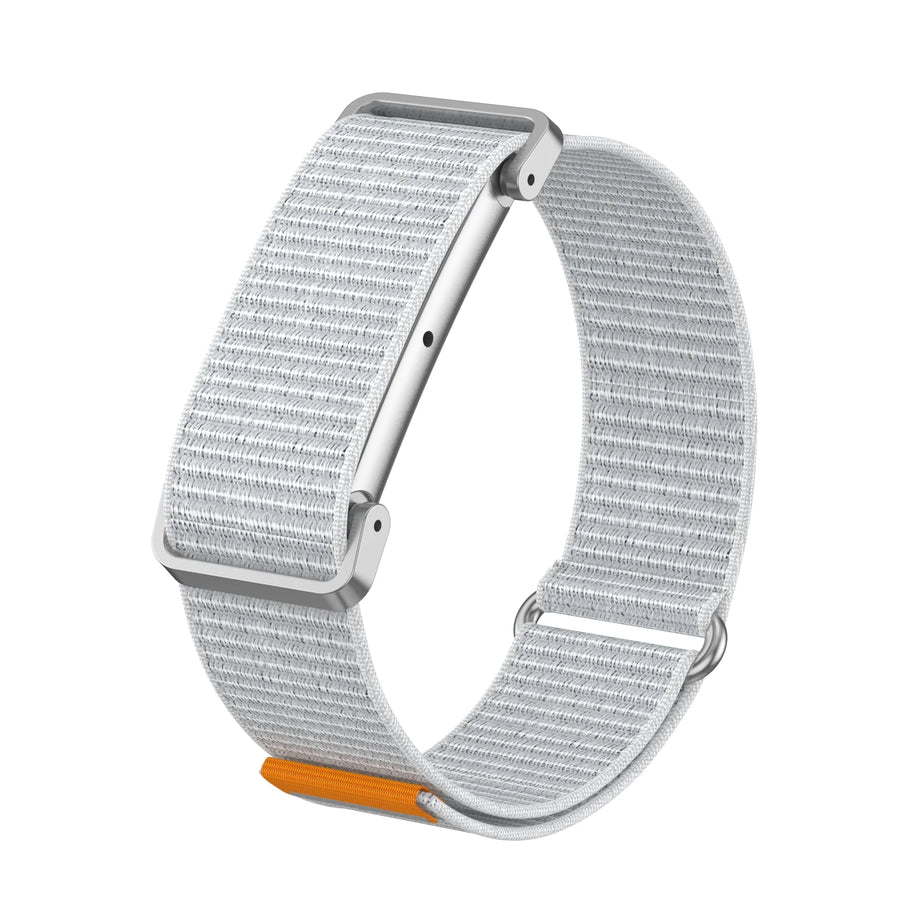
Fitbit Air bands
Ultra-light nylon, soft silicone or metal case. Swap the sensor in seconds.

WHOOP bands
Soft, sweat-resistant silicone with a two-tone design. Built for effort.

BRIDGE adapters
Keep your Fitbit Air sensor and wear it in a WHOOP-format band.

For real: a Fitbit Air sensor fitted in BRIDGE, on a WHOOP-format band.
The BRIDGE adapter
Your Fitbit Air. In a WHOOP band.
BRIDGE is a small frame that connects two formats. You keep your Google Fitbit Air sensor and can wear it in WHOOP-format bands — the ones you already own, or the ones you love.
- Remove the sensorTake your Fitbit Air sensor out of its original band.
- Fit it into BRIDGEThe sensor sits in the frame's opening, which keeps the sensors underneath in contact with your skin.
- Slide it into the bandThe assembly slides into the slot of a WHOOP-format band, just like a WHOOP sensor. You're done.
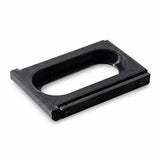
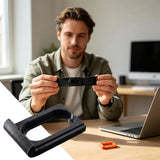
Good to know: BRIDGE works one way — Fitbit Air sensor into a WHOOP band. It can't be used to wear a WHOOP sensor in a Fitbit Air band. Sensor and band not included.
Still unsure?
Write to us before ordering and tell us your device: we'll confirm compatibility.